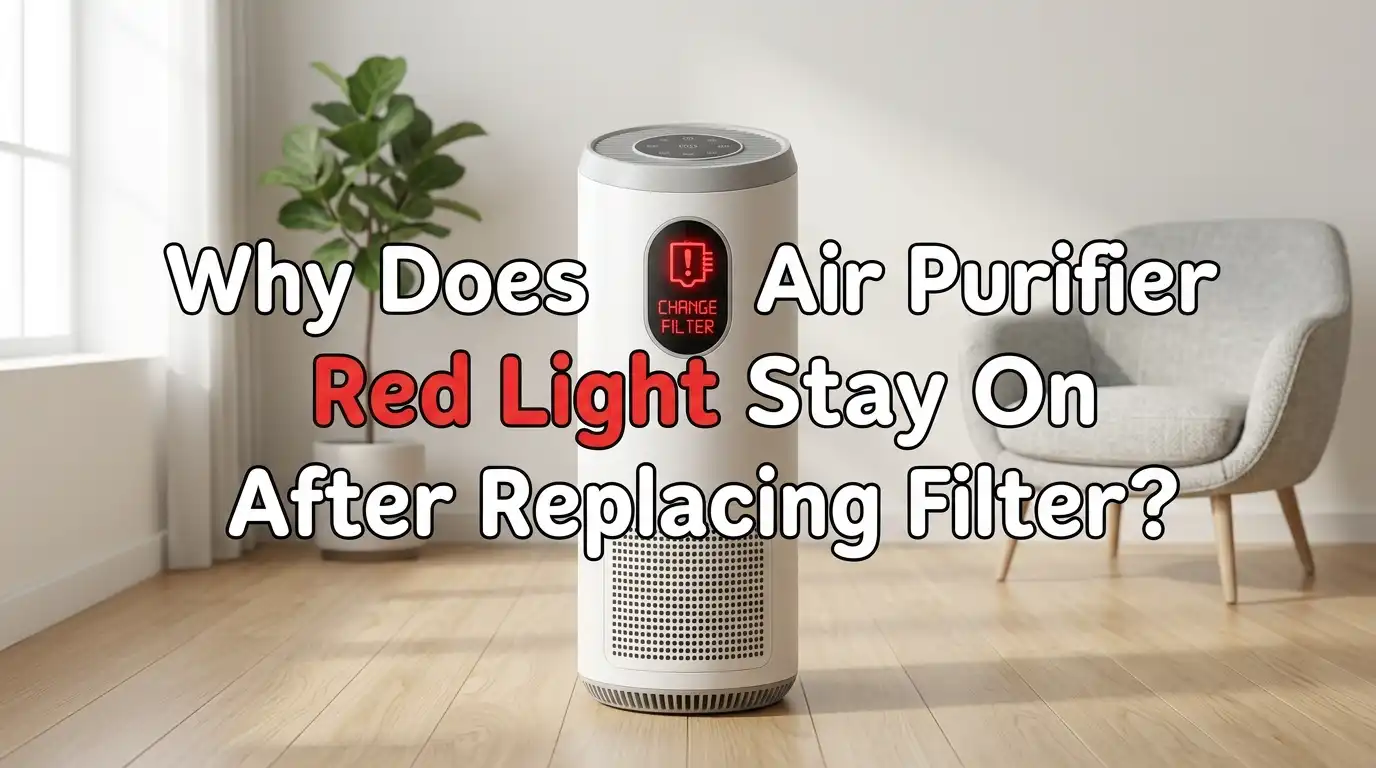
Why Does My Air Purifier Red Light Stay On After Replacing Filter?
You just spent good money on a brand new filter. You popped it in, closed the compartment, and expected that annoying red light to disappear. But it didn’t. The red light is still glowing, almost mocking you.
Sound familiar? You are not alone. This is one of the most common complaints air purifier owners have, and it happens across nearly every brand.
The good news is that the fix is almost always simple. The problem usually comes down to a missed reset step, a dirty sensor, or a filter that is not seated correctly.
In a Nutshell
- You probably forgot to reset the filter timer. This is the number one reason the red light stays on. Most models require you to press and hold a specific button for 3 to 10 seconds after installing the new filter. The light will not turn off until you complete this step.
- The filter might not be seated properly. If the filter is slightly crooked, upside down, or not fully clicked into place, some purifiers will keep the warning light active. Always check the airflow arrow on the filter and match it to the arrow on the housing.
- Your air quality sensor could be dirty. Some red lights indicate poor air quality, not a filter problem. A dusty sensor gives false readings and keeps the indicator stuck on red. A quick wipe with a cotton swab usually solves this.
- You may have the wrong filter installed. Third party or incompatible filters can lack the correct dimensions or magnetic strips that certain purifiers need to detect a filter is present.
- A simple power cycle can clear stubborn glitches. Unplug the unit for five full minutes, then plug it back in and try the reset process again. This drains residual charge from internal circuits and clears minor software bugs.
- Persistent red lights after multiple reset attempts may signal a hardware issue. If nothing works, contact the manufacturer for warranty support or further diagnostics.
Understanding What the Red Light Actually Means
The red light on your air purifier can mean different things depending on the model. Some purifiers use a red light to signal that the filter has reached the end of its life cycle. Others use a red light to indicate that the air quality in the room is poor. These are two completely separate systems, and confusing them is a common mistake.
Filter indicator lights work on a timer that counts operating hours. Once the timer hits a preset limit, the red light turns on. This happens regardless of actual filter condition.
Air quality indicator lights, on the other hand, respond to real time data from a built in particulate sensor. A dusty sensor can make the air quality light stay red even in a clean room.
Check your user manual to confirm which light you are looking at. The filter light usually sits near a filter icon on the control panel. The air quality light often appears as a colored ring or separate LED. Knowing the difference saves you from chasing the wrong fix.
The Number One Reason: You Did Not Reset the Filter Timer
This is the answer for roughly 80 percent of people who search this problem online. Air purifiers do not detect that you installed a new filter. They rely on an internal clock that counts how many hours the unit has run. When the clock reaches the preset limit, the red light comes on.
Replacing the filter does not reset this clock. You have to do it manually. The process varies by brand, but it almost always involves pressing and holding a button on the control panel for a set number of seconds.
On Levoit models, you hold the filter button for 3 to 5 seconds. On Blueair units, you press the fan speed button for about 15 seconds. Honeywell purifiers require you to hold the lighted button for about 2 seconds.
If you skipped this step, go do it right now. Your red light will likely turn off immediately.
How to Reset the Filter Light on Popular Brands
Each brand has a slightly different reset method. Here is a quick guide for some of the most widely used air purifiers.
Levoit models: Press and hold the filter indicator button on the control panel for 3 to 5 seconds until the red light disappears. For older models like the PUR131, insert a small pin into the reset hole on the back of the unit and hold for 5 seconds until it beeps.
Blueair models: Press and hold the fan speed button for about 15 seconds. All the LEDs on the interface will light up, confirming the reset is complete.
Honeywell models: With the unit powered on, press and hold the lighted filter button for about 2 seconds until the light turns off.
AROEVE models: Press and hold the filter reset button for 3 to 5 seconds. If the light remains, try holding the button for a longer duration of up to 10 seconds.
Coway models: Locate the filter reset button and press it for 3 seconds after installing the new filter.
Always check your specific model’s user manual for exact instructions, as reset methods can differ even within the same brand.
Your Filter Might Not Be Installed Correctly
A filter that looks like it is in place can still be slightly off. Many air purifiers have safety switches that detect whether the filter is fully seated. If the filter is even a fraction of an inch out of position, the switch does not engage and the red light stays on.
Pull the filter out and look at it carefully. Every HEPA filter has an airflow direction arrow printed on the frame. This arrow must match the corresponding arrow inside the filter compartment. Installing the filter backwards restricts airflow and can trigger the warning light.
Also check for any plastic packaging still on the filter. New filters often come wrapped in a plastic sleeve inside the outer box. Leaving this plastic on is surprisingly common and it blocks airflow entirely. Remove all wrapping, reinsert the filter firmly, and close the compartment door until it clicks.
Pros of checking installation first: Free fix, takes less than two minutes, solves the problem in many cases.
Cons: Requires you to open the unit again after you just closed it.
The Air Quality Sensor Might Be Dirty
If your purifier has a colored ring or LED that changes between blue, green, yellow, and red, that light shows real time air quality, not filter status. A dirty sensor will give inaccurate readings and can stay stuck on red no matter how clean the air actually is.
The air quality sensor sits behind a small grille or slot, usually on the side or back of the unit. Dust, cooking grease, and pet dander accumulate on the sensor lens over time. This buildup tricks the sensor into reading high particle counts constantly.
To clean it, take a dry cotton swab and gently wipe the sensor opening. For models with a removable sensor cover, take the cover off and use a puff of compressed air to blow out debris. Power cycle the unit afterward and let it run for 10 to 15 minutes. The reading should return to normal.
Pros of sensor cleaning: Quick fix, no replacement parts needed, improves overall sensor accuracy.
Cons: Some sensor covers are hard to access, and you may need to consult the manual to find the exact location.
You May Have Installed an Incompatible Filter
Third party filters are popular because they cost less than original manufacturer filters. However, not all aftermarket filters are built to the exact same specifications. Some are slightly thinner, slightly shorter, or missing a magnetic strip that the purifier uses to detect the filter’s presence.
If your purifier has a magnetic reed switch or contact point that registers the filter, an aftermarket filter without that feature will keep the red light on. The purifier essentially thinks no filter is installed at all.
Check the packaging of your replacement filter to confirm it is listed as compatible with your exact model number. A filter that fits physically may still lack the electronic or magnetic compatibility your unit requires. If you recently switched from an OEM filter to a third party option and the red light appeared, this is likely the cause.
Pros of using OEM filters: Guaranteed compatibility, proper magnetic or electronic detection, reliable fit.
Cons of using OEM filters: Higher cost compared to third party options.
Try a Full Power Cycle Before Anything Else
Sometimes the simplest fix works. Unplug your air purifier from the wall outlet and leave it disconnected for a full five minutes. This is not the same as just turning it off with the power button. The unit needs to be completely disconnected from power.
This process drains residual electrical charge from the internal capacitors and clears minor glitches in the system memory. Think of it as a hard reboot for your purifier. After five minutes, plug it back in, turn it on, and then attempt the filter reset process again.
On smart air purifiers with Wi Fi connectivity, you can also try resetting through the companion app. Open the app, go to device settings, and look for a filter reset option. Sometimes the app based reset works even when the physical button does not respond.
Pros of power cycling: Completely free, no tools required, resolves firmware glitches on smart models.
Cons: Does not fix hardware problems or physically misaligned filters.
The Child Lock Feature May Be Blocking Your Reset
This one catches a lot of people off guard. Many modern air purifiers include a child lock function that disables all buttons on the control panel. If the child lock is active, pressing the reset button does absolutely nothing.
The child lock is usually activated by holding the power button or a lock icon for 3 seconds. A small lock symbol appears on the display when it is engaged. You need to deactivate it before the reset button will register your input.
Check your display panel for any lock icon. If you see one, hold the same button combination for 3 seconds to unlock the controls. Then proceed with the normal filter reset process. This simple oversight accounts for a surprising number of “my reset button does not work” complaints in online forums.
Pros of checking child lock: Instant fix if this is the cause.
Cons: Easy to overlook because the lock icon is often very small on the display.
Your Purifier Might Need a Firmware Update
Smart air purifiers run on internal software that can develop bugs over time. Manufacturers release firmware updates that fix known issues, including problems with filter indicator lights not responding to resets.
Open your purifier’s companion app and check the settings for any pending firmware updates. Download and install the update without interrupting the process. Once complete, power cycle the unit and try the reset again.
Some firmware updates also improve sensor calibration, which can fix air quality lights that are stuck on red. If your purifier connects to Wi Fi but you have never updated its firmware, this could be the missing piece.
Pros of firmware updates: Fixes software bugs, improves overall performance, free to install.
Cons: Requires a stable Wi Fi connection, and some older models may no longer receive updates.
Inspect the Filter Compartment Door and Safety Switch
Most air purifiers have a safety interlock on the filter compartment door. This switch prevents the fan from running when the door is open. On some models, this same switch also controls the filter indicator light.
If the compartment door is not fully closed, the safety switch stays open and the red light remains on. Push the door firmly until you hear or feel a click. On some units, the door can appear closed while being just slightly ajar.
Inspect the latch mechanism for any dust buildup or damage. A broken latch that does not hold the door tight can cause the switch to intermittently disengage. Cleaning the latch area with a dry cloth and ensuring the door snaps shut properly can solve persistent red light issues that no amount of button pressing seems to fix.
When the Red Light Means a Hardware Problem
If you have tried every step above and the red light still will not turn off, the issue may be a hardware fault in the control board or the indicator circuit itself. This is more common in older units that have been running for several years.
In rare cases, the reset button circuitry wears out. The purifier still works perfectly for cleaning the air, but the indicator light stays on permanently. You have two practical options at this point. First, you can simply cover the light with a small piece of tape if it bothers you at night. Second, you can contact the manufacturer’s customer support to discuss a repair or replacement under warranty.
Keep your proof of purchase and warranty information ready before calling support. Many brands offer replacement units if the defect is confirmed during the warranty period. Do not attempt to open the control panel yourself, as this usually voids the warranty.
Preventing the Red Light Problem in the Future
A few simple habits can help you avoid this frustration next time. Set a reminder on your phone for the recommended filter replacement interval, which is typically every 6 to 8 months for standard HEPA filters. This way you replace the filter before the red light even comes on.
Always reset the filter timer immediately after installing a new filter. Do not wait until the next time you use the purifier. Make the reset part of your filter replacement routine.
Clean the air quality sensor once a month with a dry cotton swab. Keeping the sensor clean prevents false red readings and helps the purifier’s auto mode work accurately. Store replacement filters in a cool, dry place and always check compatibility with your exact model number before purchasing.
These small steps take less than a minute each but save you the headache of troubleshooting a persistent red light later.
Frequently Asked Questions
Why is my air purifier light still red after I changed the filter?
The most common reason is that you did not reset the filter timer. Air purifiers use a timer based system that counts operating hours. Installing a new filter does not automatically reset this timer. You need to press and hold the filter reset button for 3 to 10 seconds, depending on your model. Check your user manual for the exact reset procedure specific to your brand and model.
How do I know if the red light means filter replacement or bad air quality?
Look at the location of the red light on your control panel. The filter indicator light usually appears next to a filter icon and stays on steadily. The air quality indicator is often a separate LED ring or color changing light that responds to real time sensor data. Your user manual will clearly label both indicators. If the red light changes color when you open a window or move to a different room, it is likely the air quality sensor.
Can I keep using my air purifier with the red light on?
Yes, in most cases you can continue using the purifier while the red light is on. The red light is a reminder, not a shutdown command. However, if the light is indicating a genuinely old filter, your purifier will be less effective at cleaning the air. Reduced airflow through a clogged filter means fewer pollutants are captured and the motor works harder than it should.
Will a third party filter cause the red light to stay on?
It can. Some air purifiers use magnetic sensors or contact switches to detect the presence of a compatible filter. If the third party filter does not have the correct magnet or contact strip, the purifier may not recognize it. Always verify that your replacement filter is specifically listed as compatible with your exact model number before purchasing.
How often should I clean the air quality sensor?
Cleaning the air quality sensor once a month is a good practice. Use a dry cotton swab to gently wipe the sensor lens and the area around the sensor grille. If you cook frequently, have pets, or live in a dusty environment, you may need to clean it every two weeks. A clean sensor gives accurate readings and prevents the air quality light from staying stuck on red.
What should I do if the reset button does not work at all?
First, check if the child lock is activated on your purifier. A locked control panel ignores all button presses including the reset button. If the child lock is not the issue, unplug the unit for five minutes and try the reset again after reconnecting power. If the button still does not respond, the control board may have a hardware fault and you should contact the manufacturer for warranty service or repair options.

Hi, I’m Sonny Dawson, the creator and voice behind ConvertResizeGen. 👋 I’m a passionate tech enthusiast who loves exploring the latest gadgets, devices, and electronics that shape the way we live and work. Through my website, I share honest, hands-on reviews of trending Amazon products to help you make smarter buying decisions.